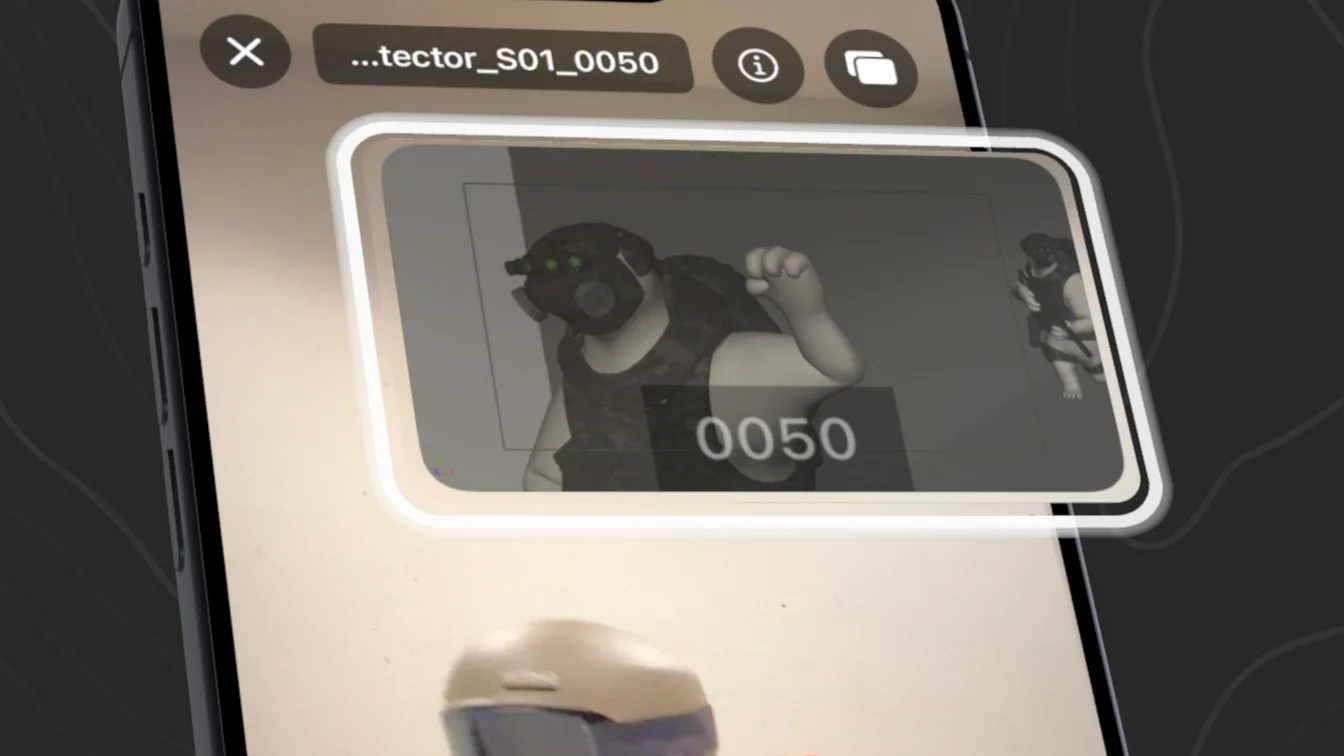
One device, start to finish
Import a template, play its audio, and record at the same time — no second phone, no laptop rig.

Record with your reference overlaid on the live camera, auto-split the recording into takes, then rate, tag, and export — all on one device.
Free: unlimited recording, review, and MOV/JPEG export · Pro pipeline exports via in-app purchase · iOS 17 or later
Import a template, play its audio, and record at the same time — no second phone, no laptop rig.
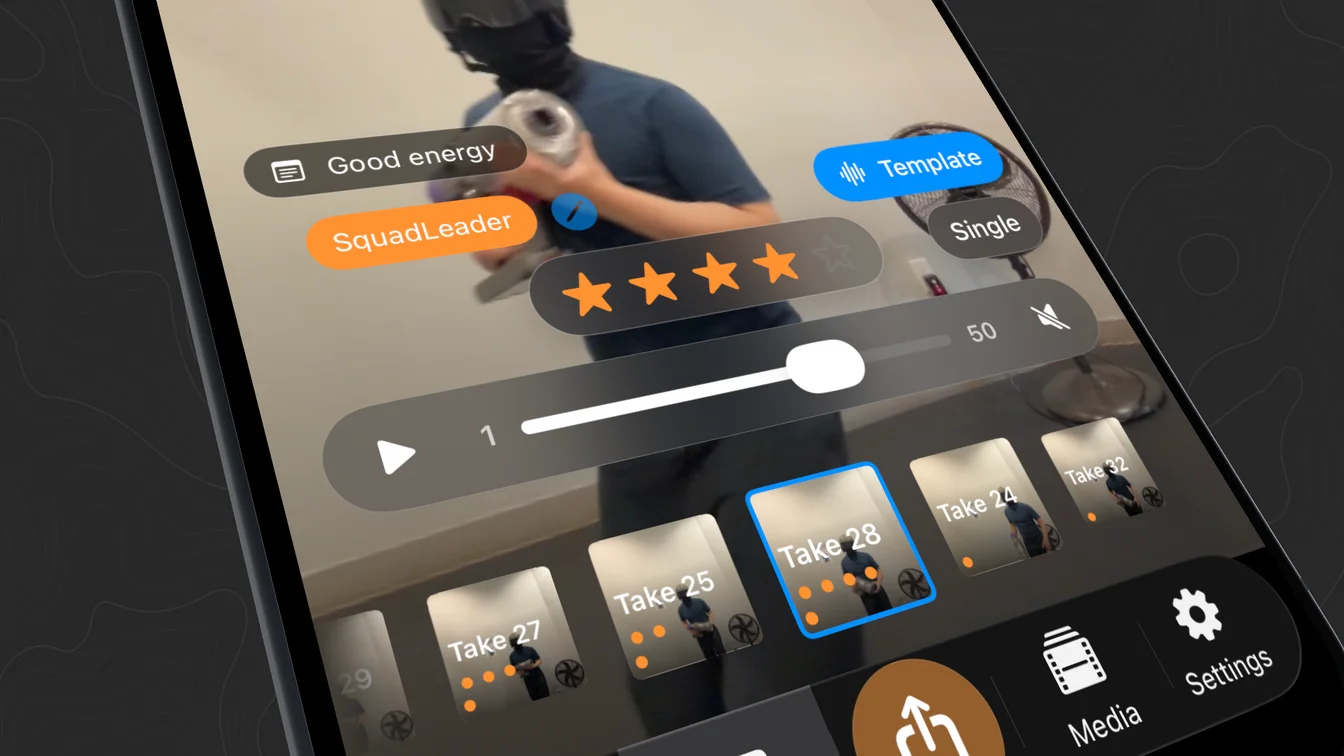
RefTake splits a single recording into separate takes automatically, so reviewing and picking the best one is fast.
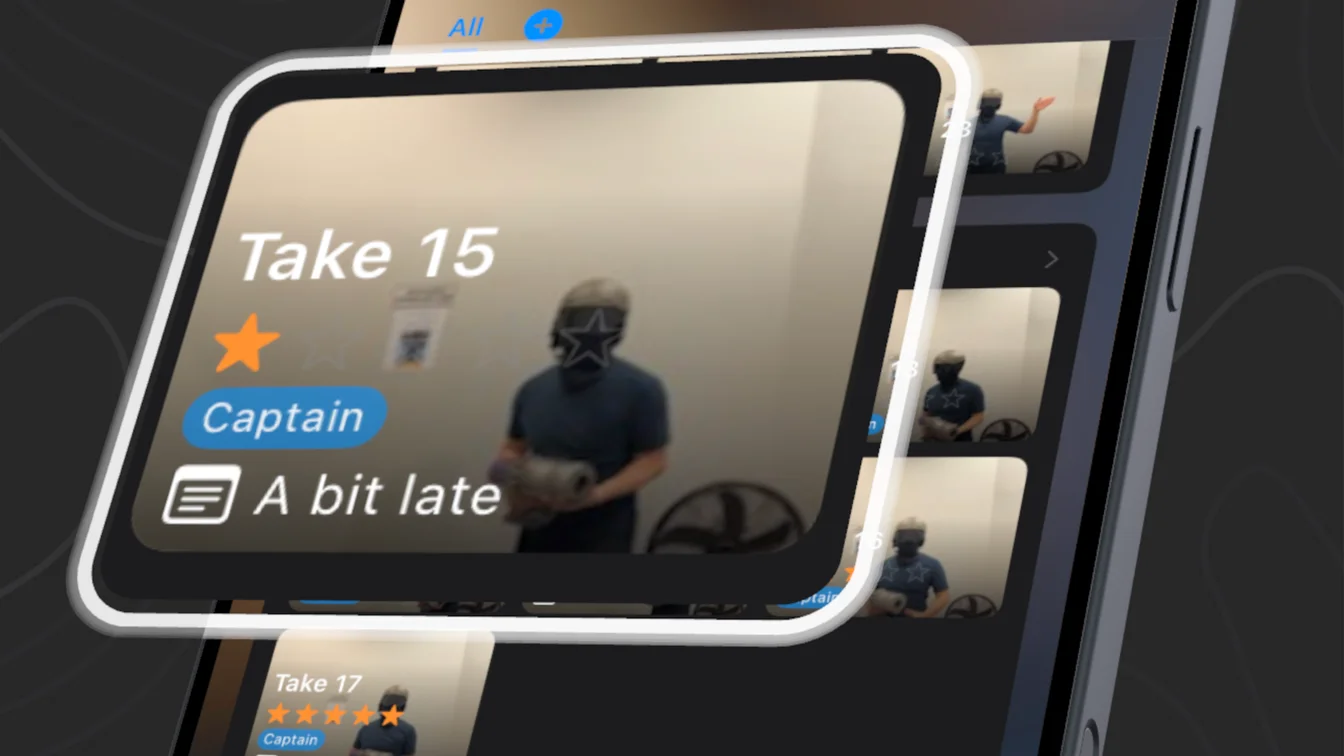
Star-rate takes from 1 to 5 and swipe between them. Your highest-rated take is always one tap away.
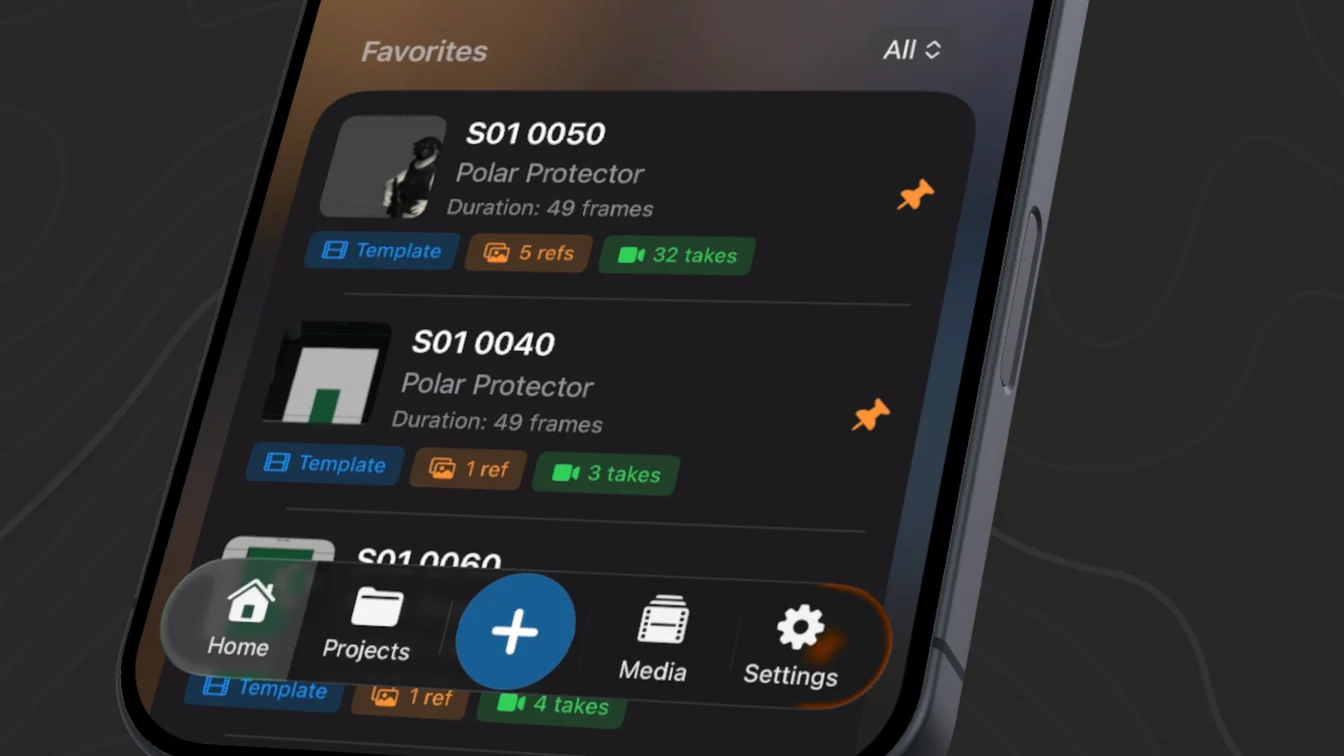
Projects, sequences, and shots — tag characters, add notes, favorite what matters, and search to find it fast.
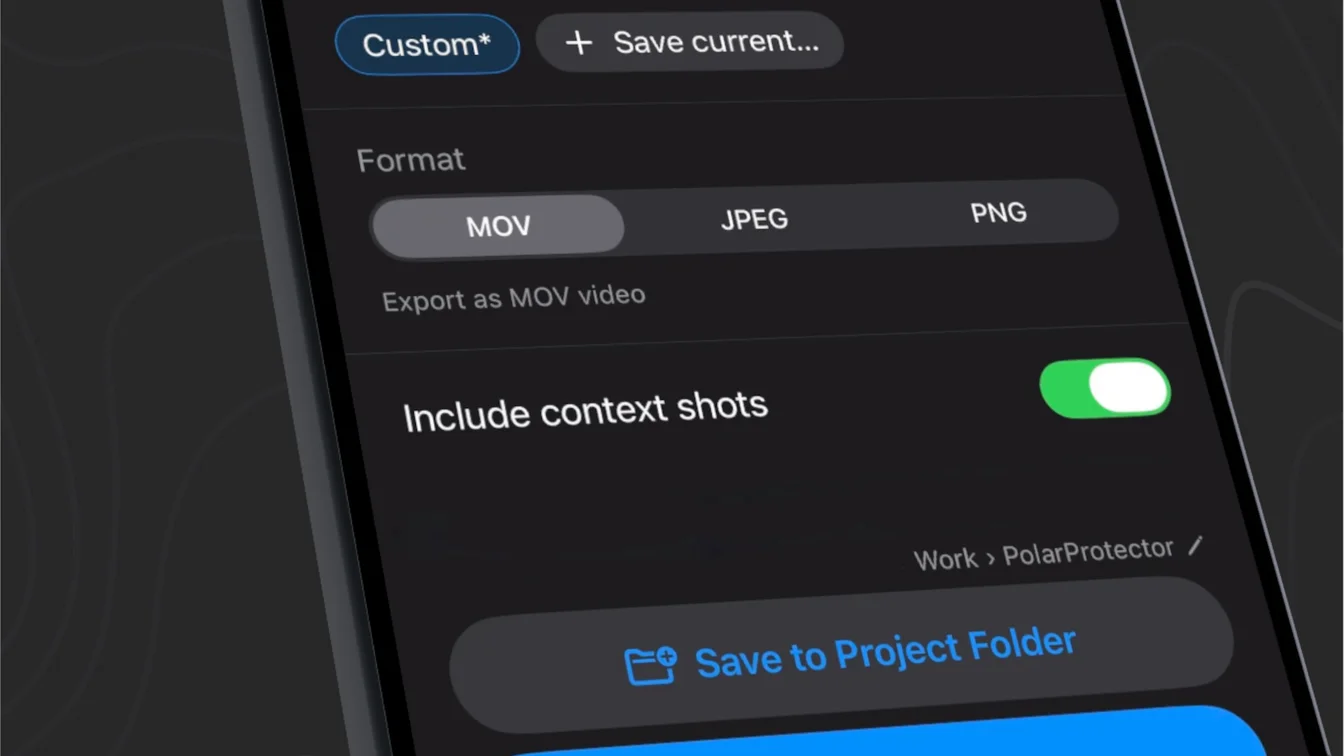
Export MOV files or JPEG/PNG image sequences with tags and notes attached, using filename formats you define.
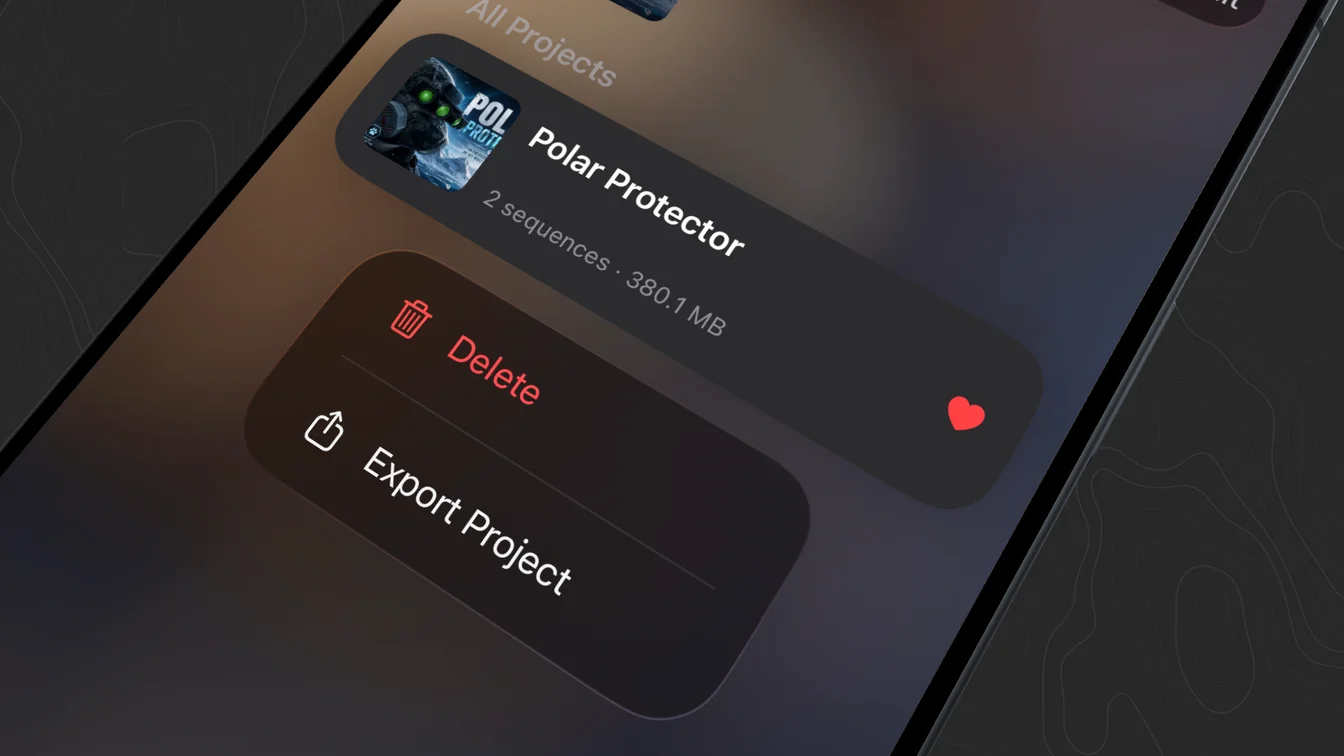
No accounts, no servers, no network connections — everything stays on your device, protected by iOS encryption and an optional Face ID lock. And it’s yours to take anywhere — a whole project exports as a single file.